
🛡️ Cyber Security Operations Explained by Kids
Written for Kids. Surprisingly Useful for Adults 💻
Before Anything Goes Wrong
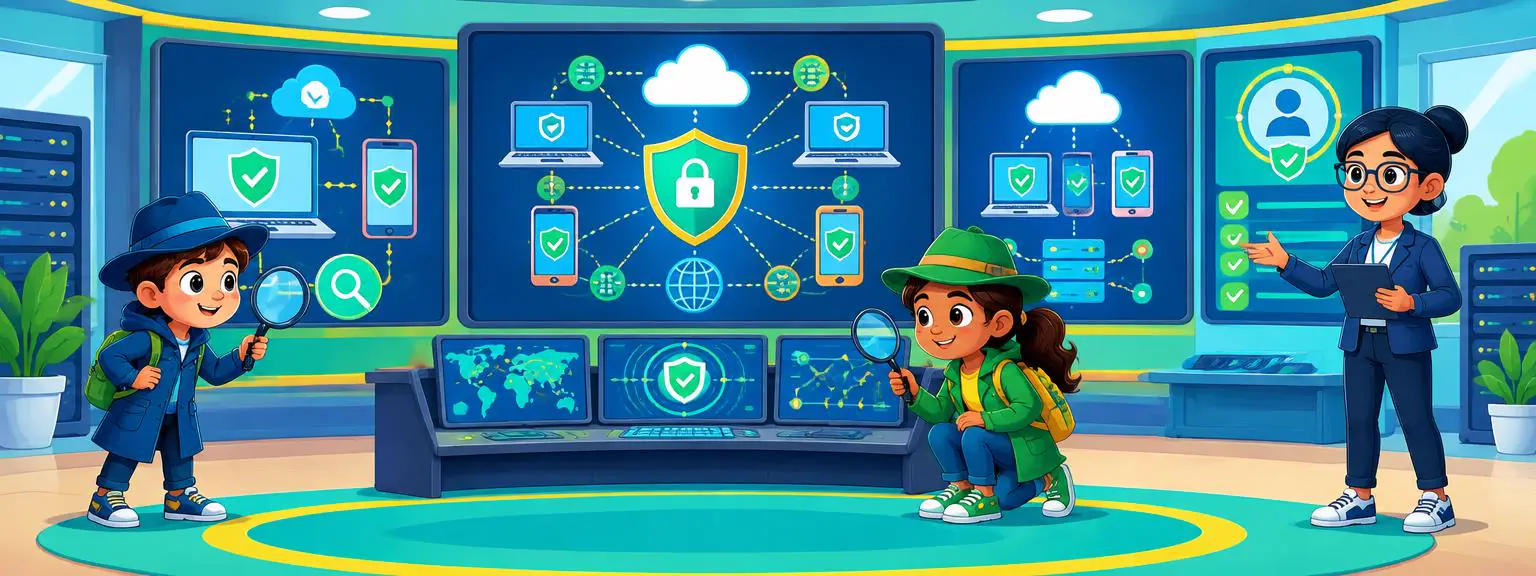
A Security Operations Center, or SOC, is always watching over computers, networks, apps, and data.
A SOC prepares before an attack happens, not just after.
01
Systems Get Connected
Computers, servers, phones, websites, and other devices are connected to the organisation's network.
02
Security Tools Start Watching
Special security tools look for unusual activity and collect information about what is happening.
03
Rules Are Set
Security teams decide what normal activity looks like and what kinds of events need attention.
04
Teams Get Ready
Security analysts prepare plans for what to do if something suspicious is discovered.
The SOC Is Always Watching
Cybersecurity teams monitor thousands of events that can happen every minute.
- Computers 💻 Watch for unusual activity on devices
- Networks 🌐 Monitor connections moving through the organisation
- Accounts 👤 Look for unusual sign ins or account activity
- Applications 📱 Monitor important software and online services
- Cloud ☁️ Watch systems and information stored in cloud services
The goal is not to watch people. It is to spot activity that could put systems or information at risk.
When Something Looks Strange
Most unusual activity is not an attack. But when something looks suspicious, the SOC investigates.
An alert is a warning, not automatically proof that an attack has happened.
Alert Appears 🔔
A security system notices something unusual
Analyst Checks 👀
A security analyst examines what happened
Evidence Is Collected 🔎
The team looks at security records and other information
Risk Is Assessed ⚠️
The team decides how serious the event could be
Action Is Taken 🛡️
Security teams follow their response plan
What Is a Security Log?
Computers create records of important things that happen. These records can help security teams understand what happened.
Security analysts use these records like clues in a digital investigation.
Login
Records when an account signs in
Network Activity
Records important connections between systems
System Events
Records important changes or activities on a computer
Security Events
Records activity detected by security tools
The Security Analyst
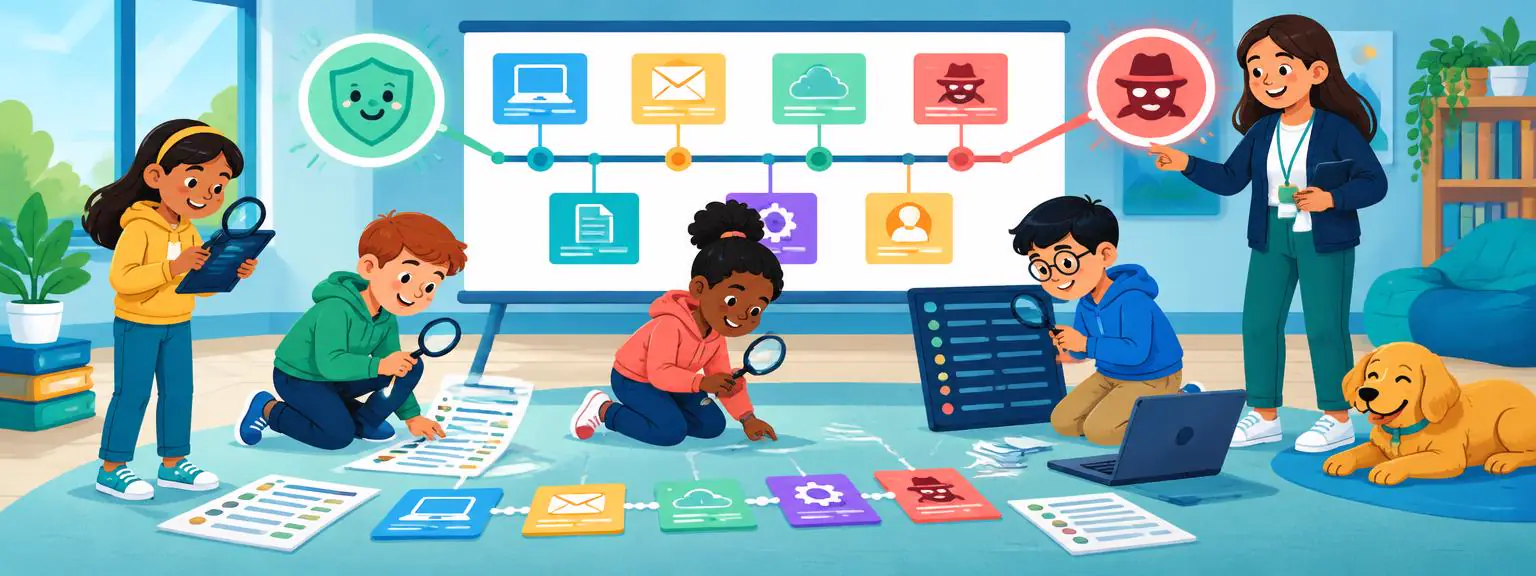
Security analysts are the detectives of a SOC.
A good analyst asks: What happened, and what evidence do we have?
- Watch 👀 Monitor security alerts
- Investigate 🔎 Work out what happened
- Connect Clues 🧩 Compare information from different security systems
- Decide ⚖️ Determine whether an alert needs action
- Respond 🛡️ Help protect systems when a real threat is found
Investigating an Alert
When an alert appears, analysts do not panic. They investigate it step by step.
- What Happened? Find out what triggered the alert
- When Did It Happen? Build a timeline of events
- What Was Involved? Identify the affected computer, account, application, or network
- Is It Normal? Compare the activity with expected behaviour
- Is It Dangerous? Assess whether there is a genuine security risk
The investigation turns a confusing alert into a clearer story.
Finding the Bigger Picture
One suspicious event may not mean much by itself. Several events together can reveal a bigger problem.
This is called security investigation.
Connect Events
Security tools combine information from different systems
Spot Patterns
Analysts look for unusual patterns
Build a Timeline
Events are placed in the order they happened
Understand the Story
The team works out what may have happened
Computers Help the SOC
A SOC can receive far too many alerts for humans to examine every detail manually.
Automation ⚙️
Software can perform routine security tasks automatically
Detection Rules 📋
Security systems look for known warning signs
AI and Machine Learning 🤖
Some systems can help identify unusual patterns
Alert Prioritisation 🚦
Systems can help sort alerts so analysts can focus on important ones
Computers help security teams work faster, while humans make important decisions.
Not Every Alert Is an Attack
SOC teams may receive many warnings every day. Some turn out to be harmless.
The challenge is finding the important alerts among all the noise.
Normal Activity ✅
Something unusual happened, but it was legitimate
False Positive ❌
A security tool raised an alert even though there was no real threat
Suspicious Activity ⚠️
Something needs more investigation
Confirmed Incident 🚨
Evidence shows that a genuine security problem has occurred

When a Threat Is Confirmed
If an investigation finds a real security incident, the response team begins protecting the organisation.
- Contain: limit the problem so it cannot spread further
- Protect: secure affected systems and accounts
- Investigate: find out what happened and how
- Recover: return affected systems to normal operation
- Learn: improve security so a similar incident is less likely again
Cybersecurity is not only about stopping problems. It is also about learning from them.
Protecting Accounts
People's accounts are an important part of cybersecurity.
The safest account has the right protections from the beginning.
Strong Passwords 🔑
Use long, unique passwords
Multi Factor Authentication 📱
Use an additional security check when signing in
Access Controls 🚪
Only give people access to the information they need
Account Monitoring 👀
Watch for unusual sign in activity
Protecting the Network
A network connects computers and devices together, so security teams monitor it carefully.
Think of network security like putting doors between different rooms in a huge building.
Firewalls 🧱
Help control which network connections are allowed
Network Monitoring 👀
Looks for unusual network activity
Secure Connections 🔒
Protect information while it travels between systems
Segmentation 🧩
Separates parts of a network to help limit problems
Protecting the Cloud
Many organisations use cloud services to store information and run applications.
The cloud is still someone else's computer infrastructure. It still needs security.
Cloud Accounts
Security teams monitor who can access cloud systems
Data Protection
Important information is protected from unauthorised access
Permissions
Users receive only the access they need
Monitoring
Security tools watch cloud activity for unusual behaviour
Protecting Devices
Laptops, phones, tablets, and other devices can become targets for cyber threats.
Updates 🔄
Software is kept up to date with security fixes
Security Software 🛡️
Tools can help detect suspicious activity
Device Monitoring 👀
Security teams can monitor important events
Safe Behaviour
People learn how to recognise suspicious messages and requests
Cybersecurity works best when technology and people work together.
When a Suspicious Email Is Reported
Imagine someone receives an email that looks suspicious.
Reporting something suspicious can help protect hundreds or thousands of other people.
- Report 📣 The person reports the message to the security team
- Analyse 🔎 Analysts examine the message and its warning signs
- Check 🔗 Security tools look for similar messages elsewhere
- Protect 🛡️ The organisation protects other users
- Learn 📚 The team improves future protection
The SOC Team
A SOC is not just one person sitting in front of a computer. It can contain many specialists.
- SOC Analyst 👨💻 Monitors alerts and investigates activity
- Incident Responder 🚨 Manages confirmed incidents
- Threat Intelligence Analyst 🧠 Studies cyber threats
- Security Engineer ⚙️ Builds and maintains security systems
- Digital Forensics Specialist 🔬 Examines digital evidence
- SOC Manager 🧑💼 Coordinates the team
Different specialists work together like a digital emergency team.
SOC Never Sleeps
Many organisations operate around the clock because cyber threats can happen at any time.
This is called 24 hour security monitoring.
Morning ☀️
One team checks overnight activity
Afternoon 🌤️
Analysts investigate alerts and monitor systems
Evening 🌆
Another team takes over monitoring
Night 🌙
Security systems keep watching and analysts respond
Where Does a SOC Work?
The important part is the security operation, not what the room looks like.
Internal SOC
The security team works directly for the organisation
Managed SOC
A specialist company provides security monitoring
Cloud SOC
Security operations use cloud tools and services
Global SOC 🌍
Teams in different countries work across time zones
Cybersecurity Emergencies
Some security incidents need an immediate response.
- Detect 🚨 Something unusual is discovered
- Investigate 🔎 The team works out what happened
- Contain 🛑 The problem is limited
- Recover 🔄 Systems are safely restored
- Review 📋 The team improves its defences
A cyber incident response plan is like an emergency plan for the digital world.
Amazing Cyber SOC Facts
Speed
Security systems can process huge amounts of information every day.
Always Active
Many SOCs monitor systems around the clock.
Teamwork
Analysts, engineers, and investigators work together.
Automation
Computers help sort and investigate many events.
Global
One incident can involve teams and systems in several countries.
Digital Detectives
Analysts use evidence to understand what happened.
Quick Summary
Monitoring
An essential part of an effective cybersecurity operation.
Alerts
An essential part of an effective cybersecurity operation.
Investigation
An essential part of an effective cybersecurity operation.
Detection
An essential part of an effective cybersecurity operation.
Incident Response
An essential part of an effective cybersecurity operation.
Protection
An essential part of an effective cybersecurity operation.
Recovery
An essential part of an effective cybersecurity operation.
Learning
An essential part of an effective cybersecurity operation.
Cyber SOC Dictionary
SOC
Security Operations Center: a team and tools that monitor and protect digital systems
Cybersecurity
Protecting computers, networks, applications, and information
Threat
Something that could harm a digital system or information
Alert
A warning that something unusual may have happened
Incident
A cybersecurity event that needs investigation or action
Security Analyst
A person who investigates security alerts
Firewall
A security system that controls network connections
Malware
Software designed to cause harm or steal information
Phishing
A trick that asks someone to reveal information or act unsafely
Authentication
Checking that someone is who they claim to be
Multi Factor Authentication
Using more than one verification method when signing in
Encryption
Transforming information so only authorised people can read it
Log
A record of events on a computer, application, or network
Telemetry
Information collected about a system's activity and condition
Detection
Identifying suspicious or potentially harmful activity
False Positive
An alert that looks suspicious but is harmless
Threat Intelligence
Information that helps teams understand cyber threats
Incident Response
Managing and responding to a cybersecurity incident
Containment
Limiting a security problem so it cannot spread
Digital Forensics
Examining digital evidence to understand what happened
Vulnerability
A weakness that could create a security risk
Patch
A software update that fixes problems or weaknesses
Endpoint
A computer, phone, or tablet connected to a network
Network
Connected computers and devices that communicate
SIEM
A system that collects and analyses security information
EDR
A tool that monitors devices for suspicious activity
Threat Hunter
A specialist who searches for hidden threats
Security Engineer
A specialist who builds and improves security systems
SOC Manager
The person who coordinates SOC people and processes
You Are Now a Cyber SOC Expert! 🛡️💻
Keep learning, stay curious, and remember: good cybersecurity starts with understanding how to protect the digital world! 🌍🔐